


[ICS] Transportation Package
Today's transportation and logistics sector is highly competitive, which means it’s never been so important to maximise cost-efficiency and foster positive customer relationships with timely deliveries. Our innovative Transportation Package is designed to help your business streamline your transport routing with its impressive MS Dynamics add-on solutions.

Developed in collaboration with our clients, [ICS] Transportation Package expands the standard functionality of Microsoft Dynamics AX 2012 R3 and D365 SCM systems to deliver new features for vehicle route planning and logistics network management. It is intended for companies (distributors, wholesalers, manufacturers, logistic services providers, etc.) that operate complex delivery networks and are faced with a challenge of their optimization to reduce total transportation costs.
The Package is designed to help your business thrive with its easy-to-use functionality and seamless integration to your Dynamics ERP system.
With this suite of add-on solutions, you can build an optimal delivery route, plan cargo trips for a large number of orders for delivery by vehicles with varying carrying capacities and streamline deliveries in a multi-echelon delivery network.
Some of the typical benefits of implementing [ICS] Transportation Package include considerable reduction in route planning time, greatly simplified overall workflow, and lower operating costs through reduction in mileage, driving time and the number of vehicles used. The Package is available on Microsoft AppSource.

We are excited to announce that Version 4 of [ICS] Transportation Package has been successfully published on AppSource! This means that our solution has met all the requirements of Microsoft’s strict validation process and is now available publicly.
[Optimal Route Building Solution]
The Challenge
Businesses use various methods and tools to calculate optimal routes for the delivery of goods to recipients of cargo trips. Automating this process in the ERP system will offer great advantages in terms of convenience, speed and increased performance.
The Solution
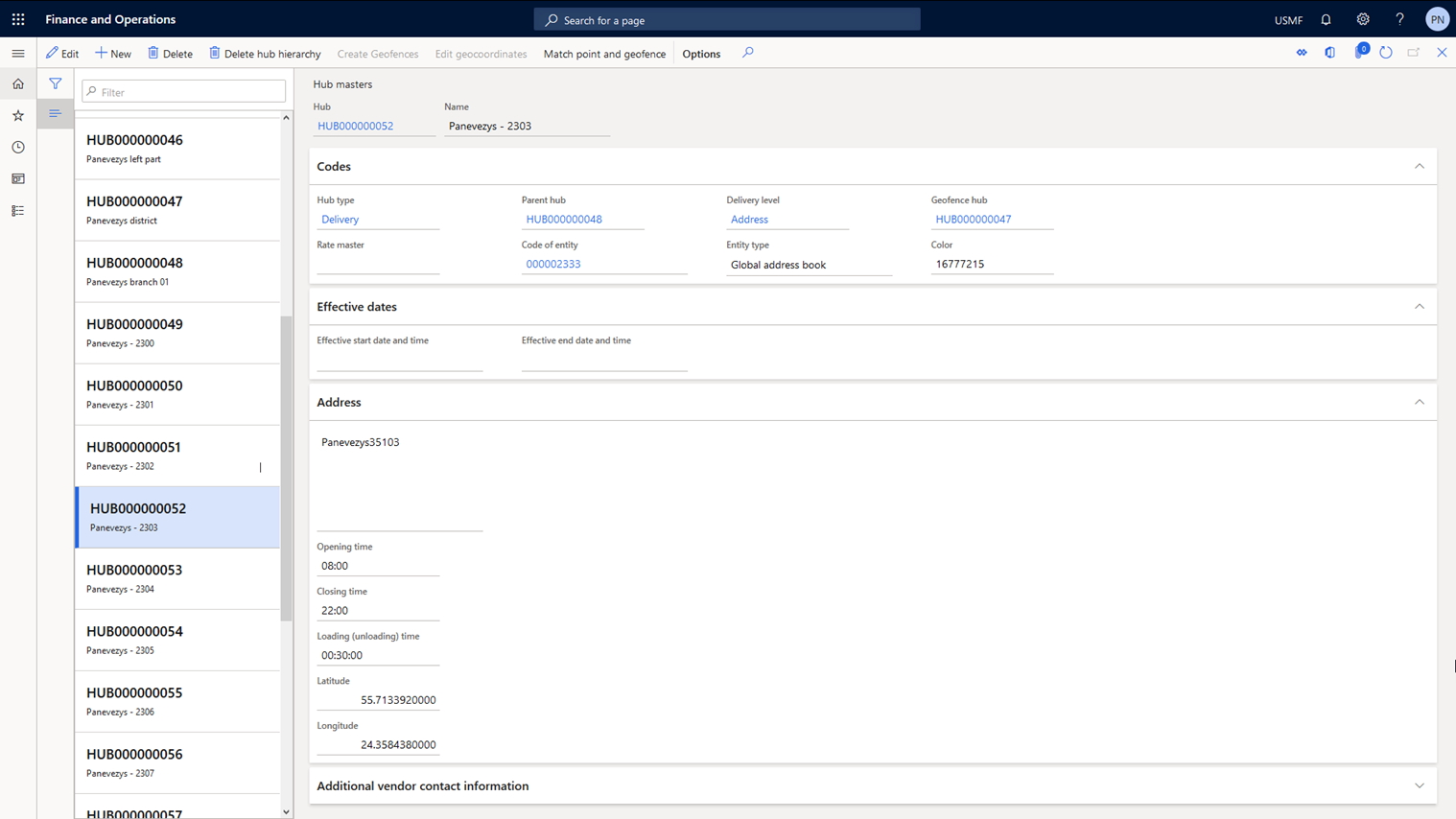
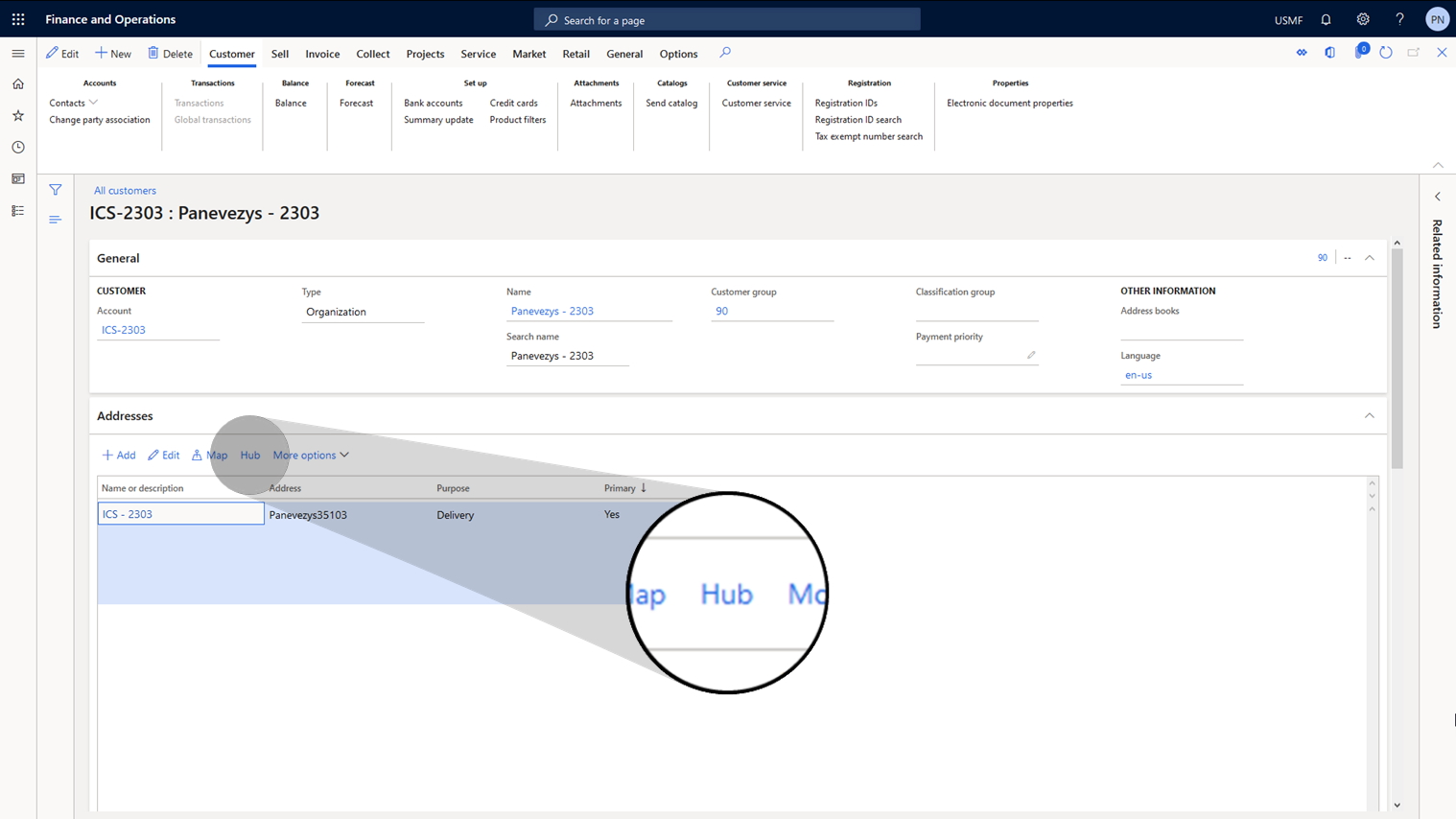
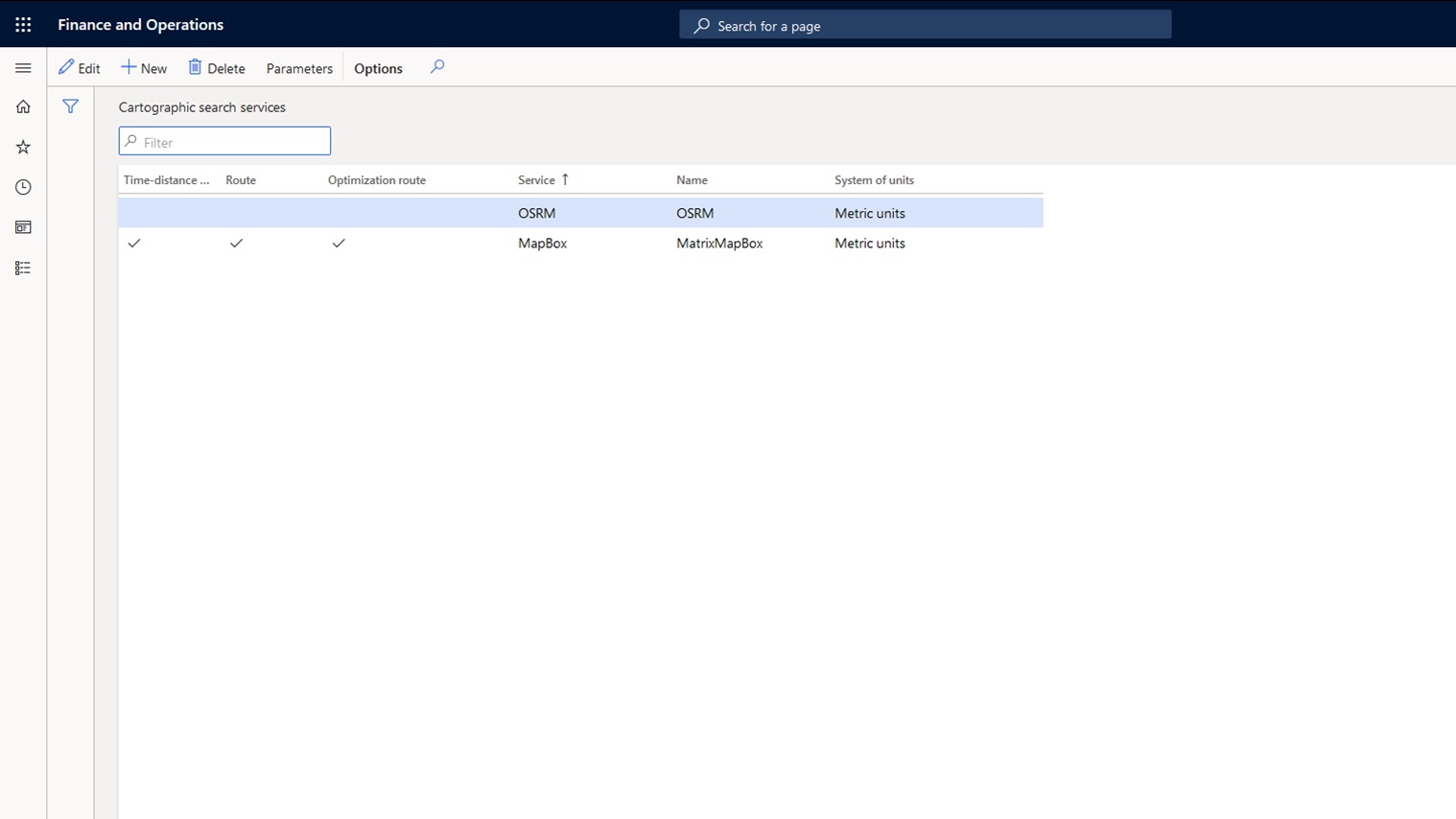
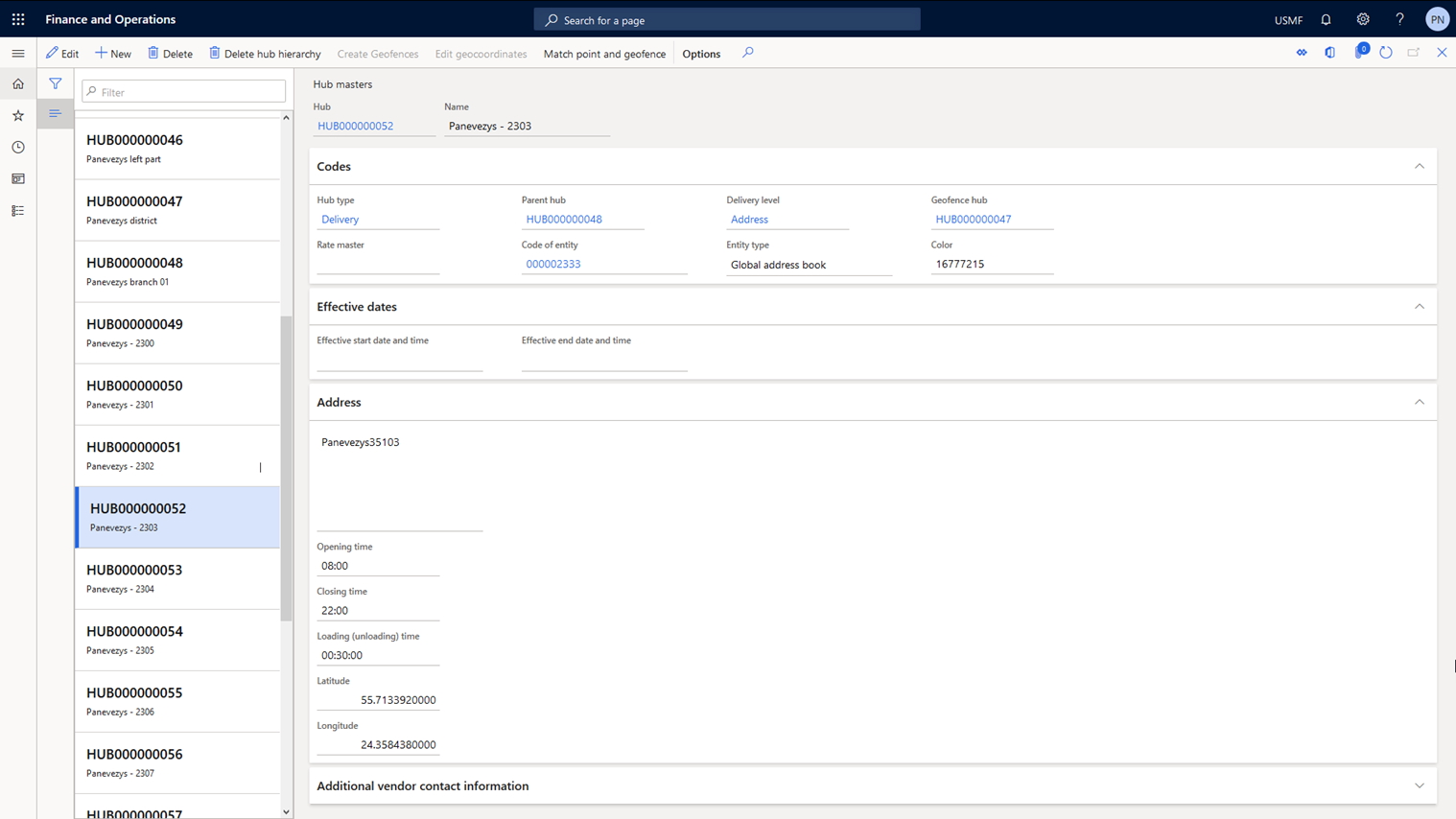
In our solution route segments consist of logistic hubs, and each counterparty’s delivery address is associated with such a hub. The solution allows you to synchronize the data of logistic hubs with the addresses of counterparties. Data on transit time and distance are set for a pair of logistic hubs. Integration with cartographic services (OSRM, Mapbox, HERE) has been implemented to obtain transit time and distance data for logistic hubs. It is also possible to connect other cartographic services.
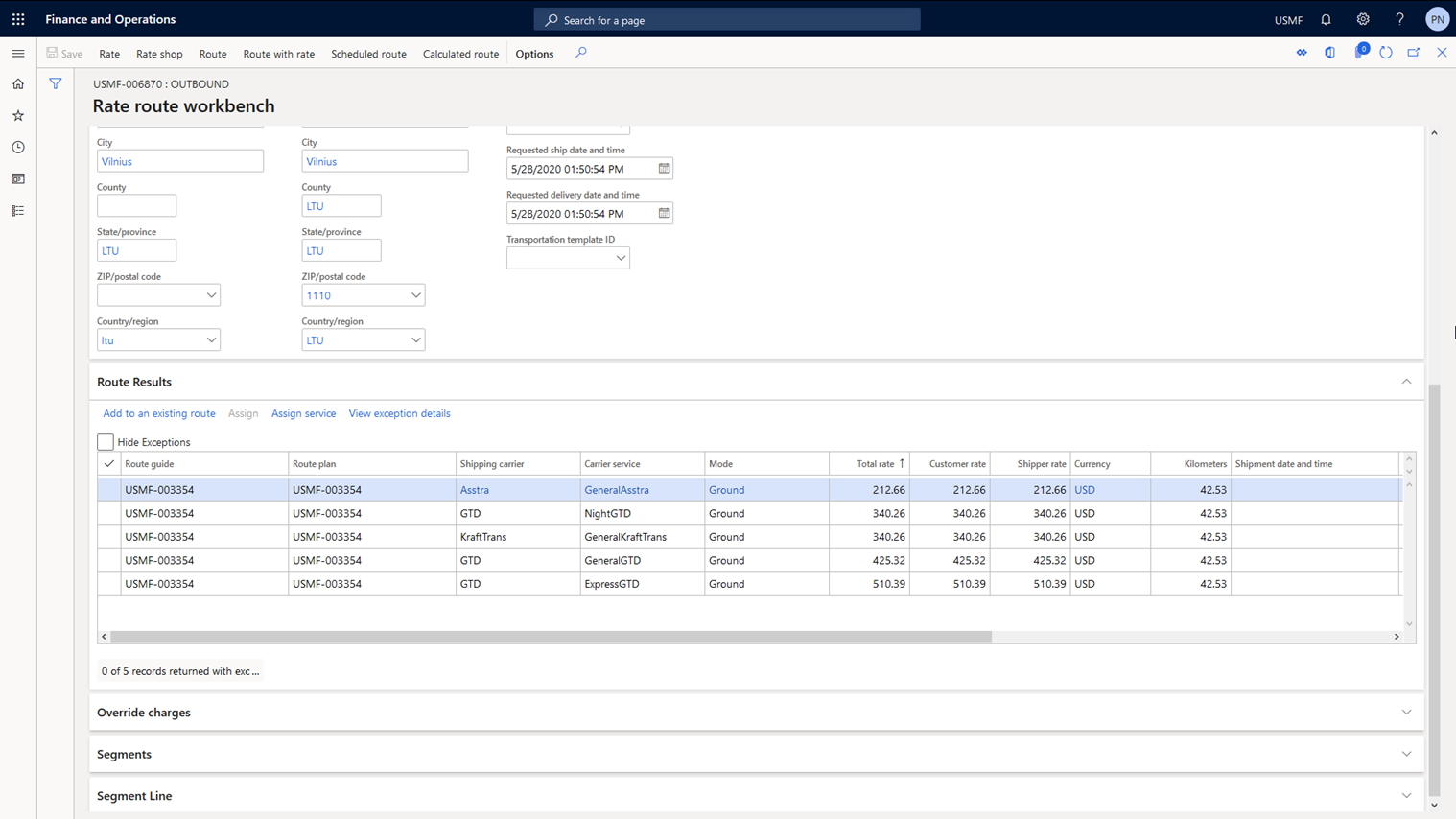
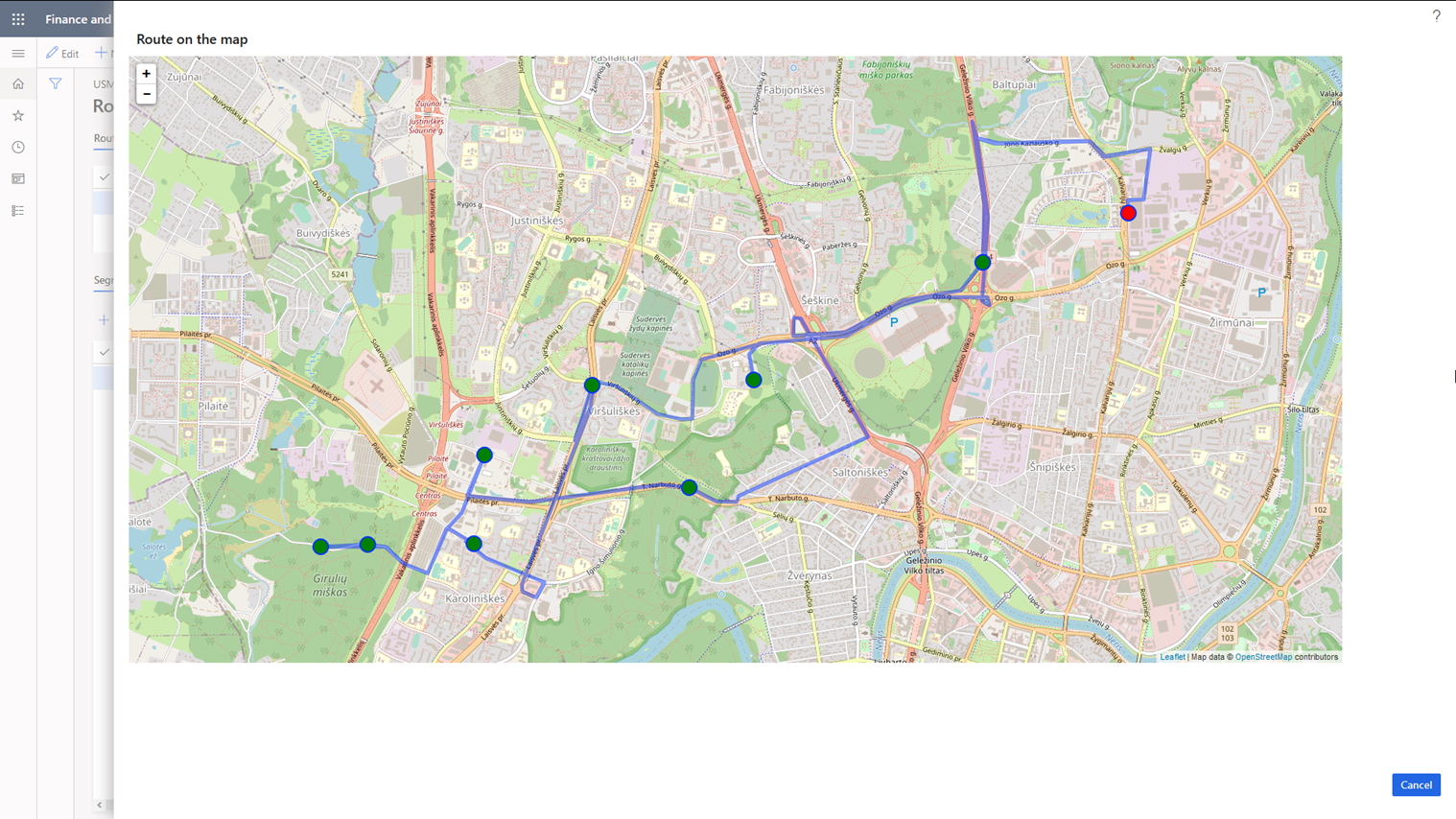
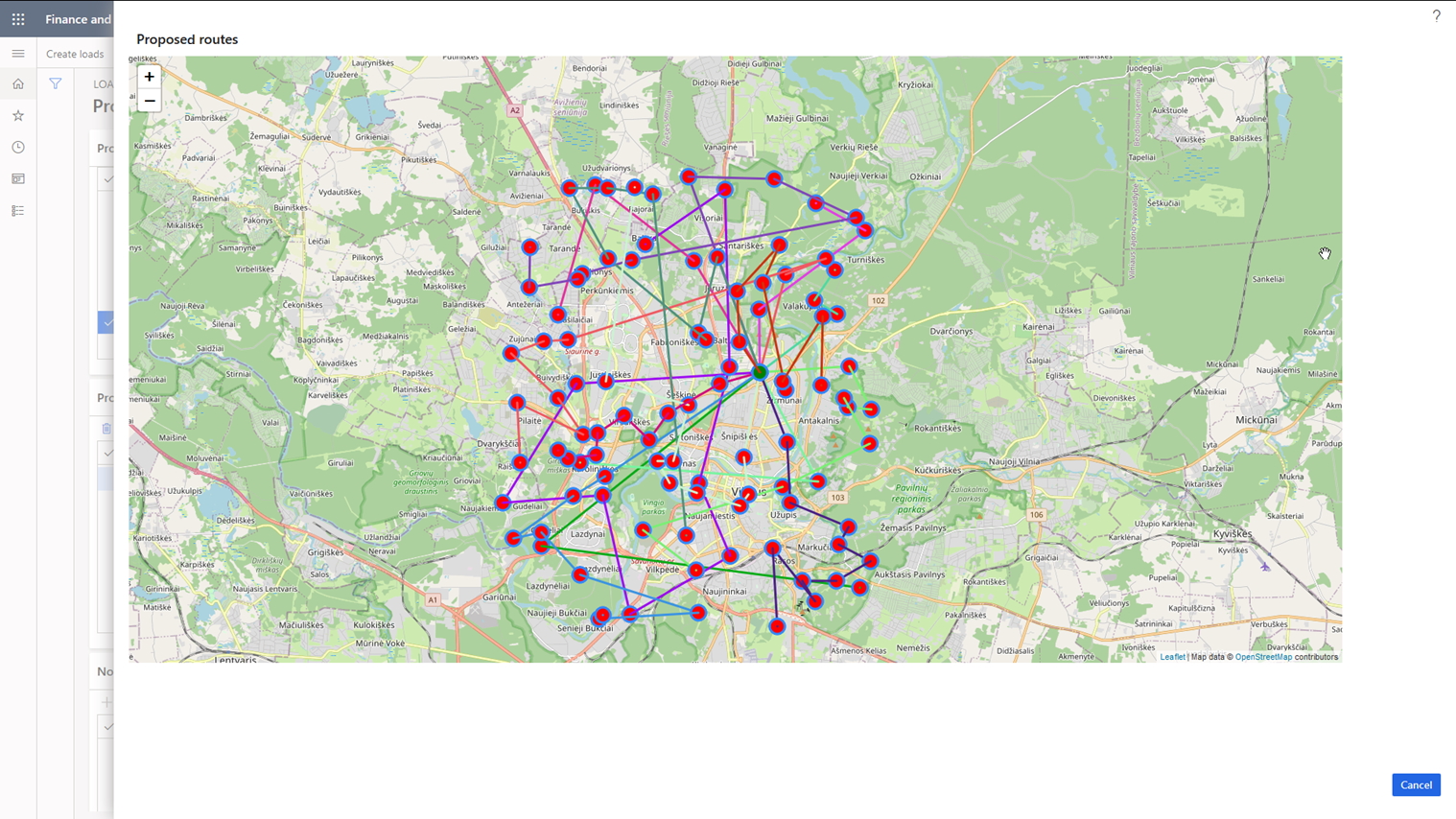
As a result, ICS solution allows you to create the optimal route for the selected cargo trip either by using previously calculated transit time or distance between logistic hubs, or by using the data obtained from the cartographic services. The solution also provides the ability to perform a visual analysis of the constructed route, while the calculation of transportation costs is implemented using the data associated with the generated route.
| Feature | Description |
|---|---|
| Logistic hubs | Introduces functionality of logistic hubs with possibility to get GEO-coordinates from OSRM by postal address |
| Customer/ Vendor hubs | Map customer and vendor delivery addresses with logistic hubs |
| Cost calculation | Calculation of transportation cost using carriers’ rates |
| Calculation/ Visualization | Calculation and visualization of optimal routes using OSRM engine for the transportation load |
 Pic 1: Logistic hubs
[Transport Routing Solution]
The Challenge
Plan cargo trips for a large number of orders for delivery by transport with different carrying capacities in the most optimal way (i.e. with minimal transportation costs).
The Solution
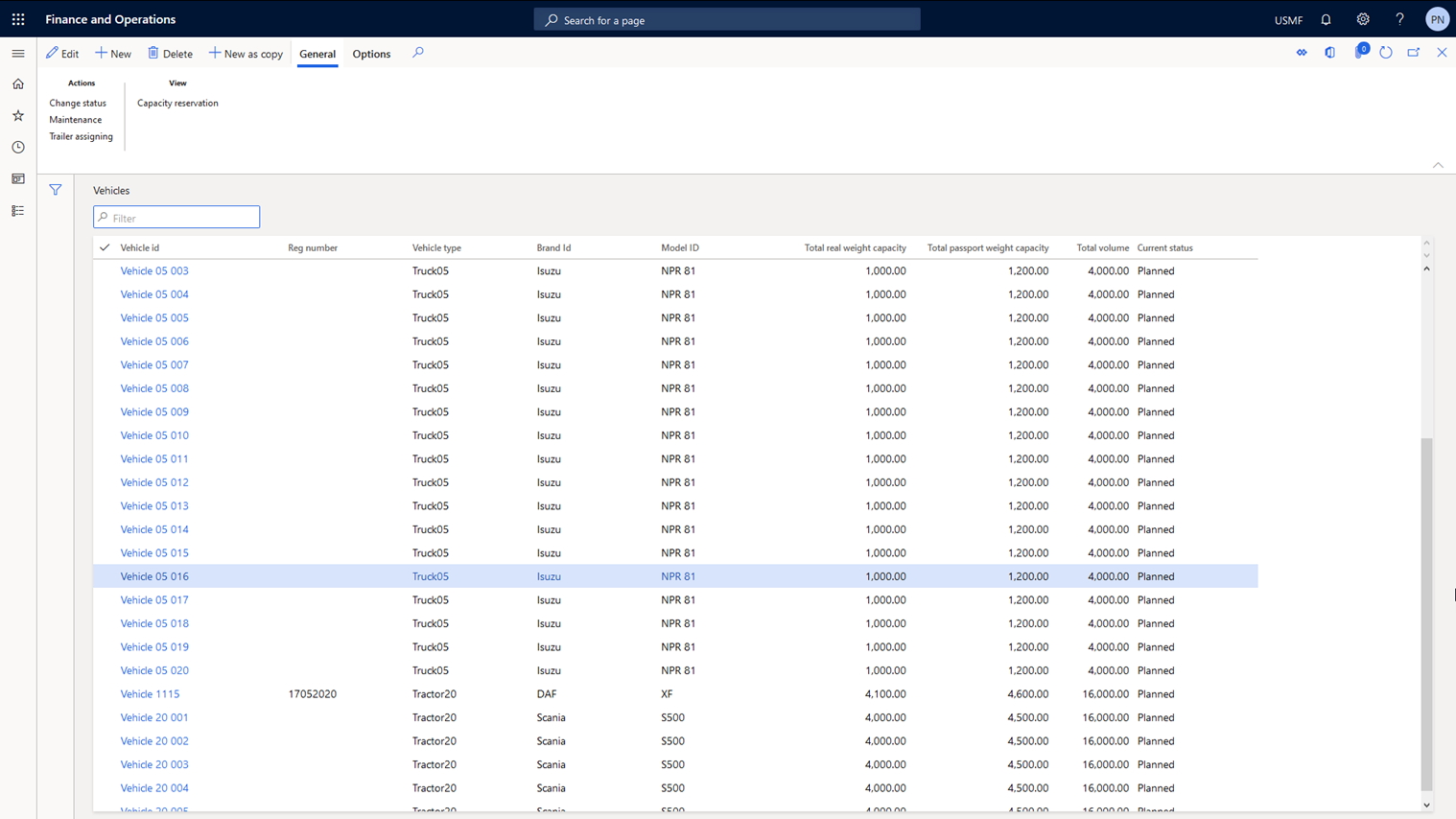
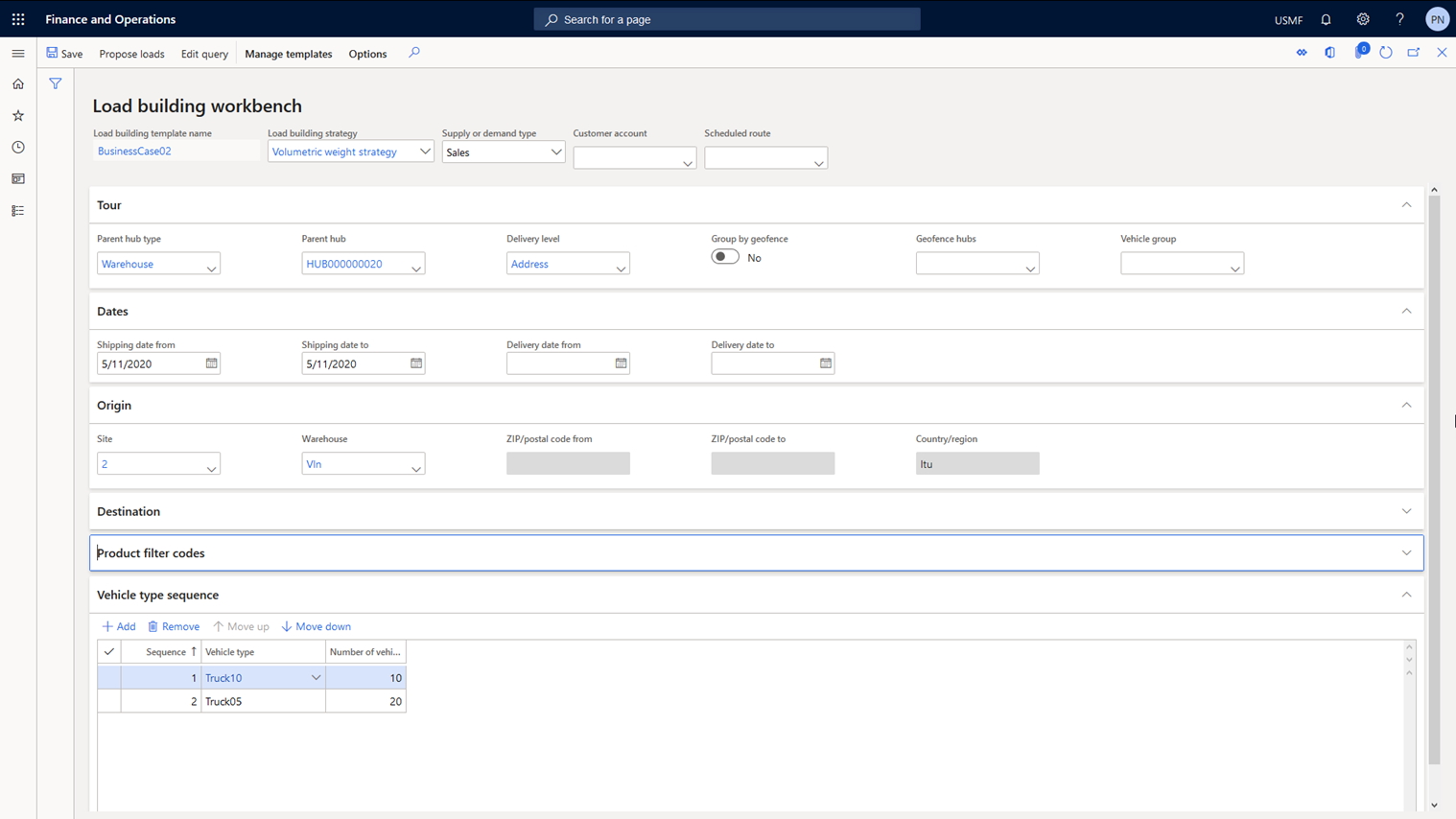
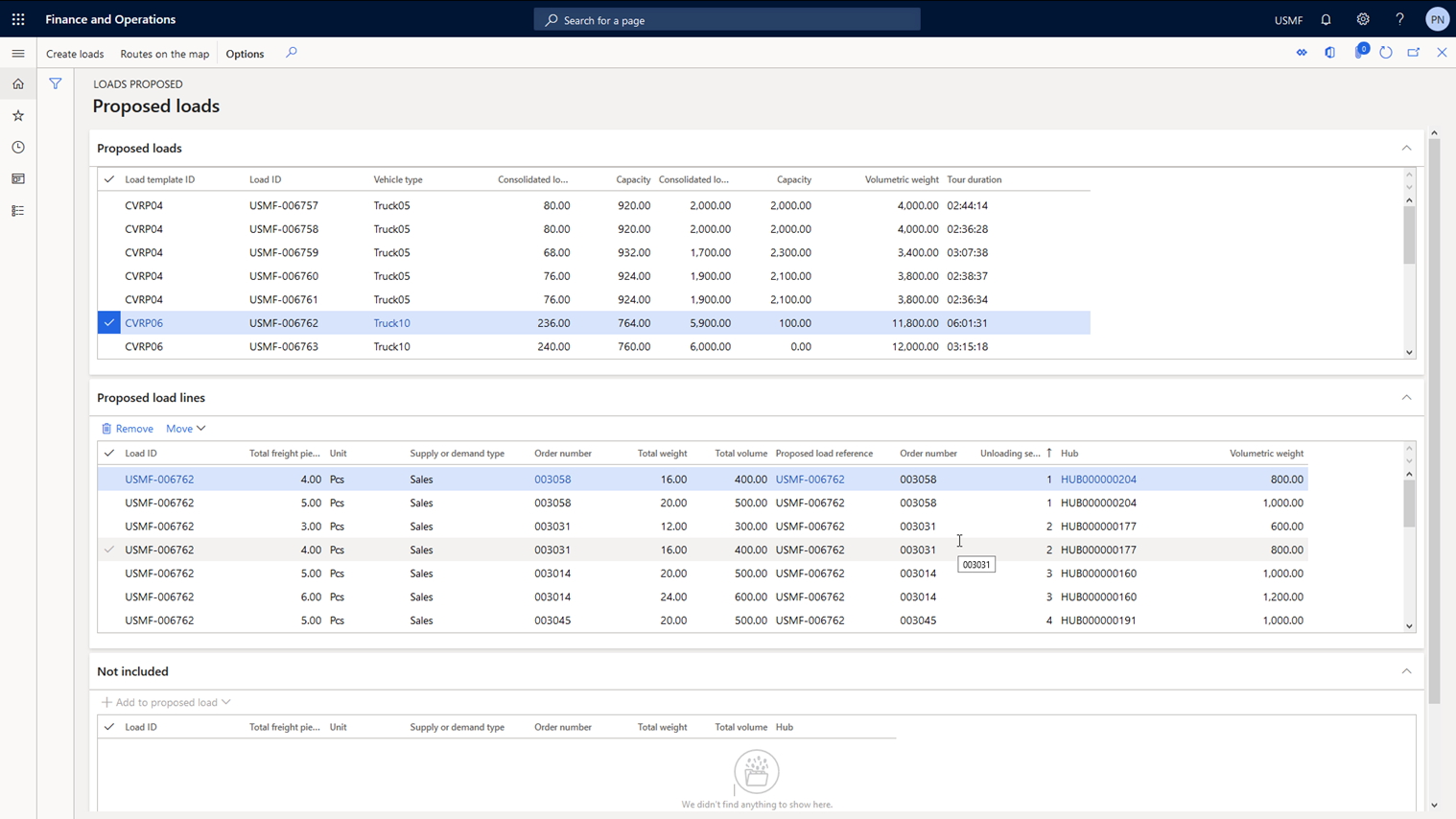
To solve this task, as a first step ICS solution allows you to store and maintain data on vehicles in the system with their key characteristics. The solution then performs vehicle routing calculations with restrictions on carrying capacity and time windows for service (CVRPTW). There is functionality to change the set of orders for planned cargo trips. The planning functionality also allows you to take into account different sets of parameters when assigning orders to cargo trips: the warehouse working hours, the number of docks in the warehouse, vehicle loading time, order delivery time windows, order weight and dimensions, order and vehicle compatibility, etc. For the planning of cargo trips the solution uses two strategies that calculate the vehicles’ filling rate on trips according to volumetric weight and the number of containers. The solution allows to perform a visual analysis of planned cargo trips.
| Feature | Description |
|---|---|
| Vehicles | Maintain data about vehicles, their capacity (weight, volume) and assign carrier’s service to each vehicle |
| Time/Distance matrix | Integration with cartographic services to obtain transit time/distance between hubs |
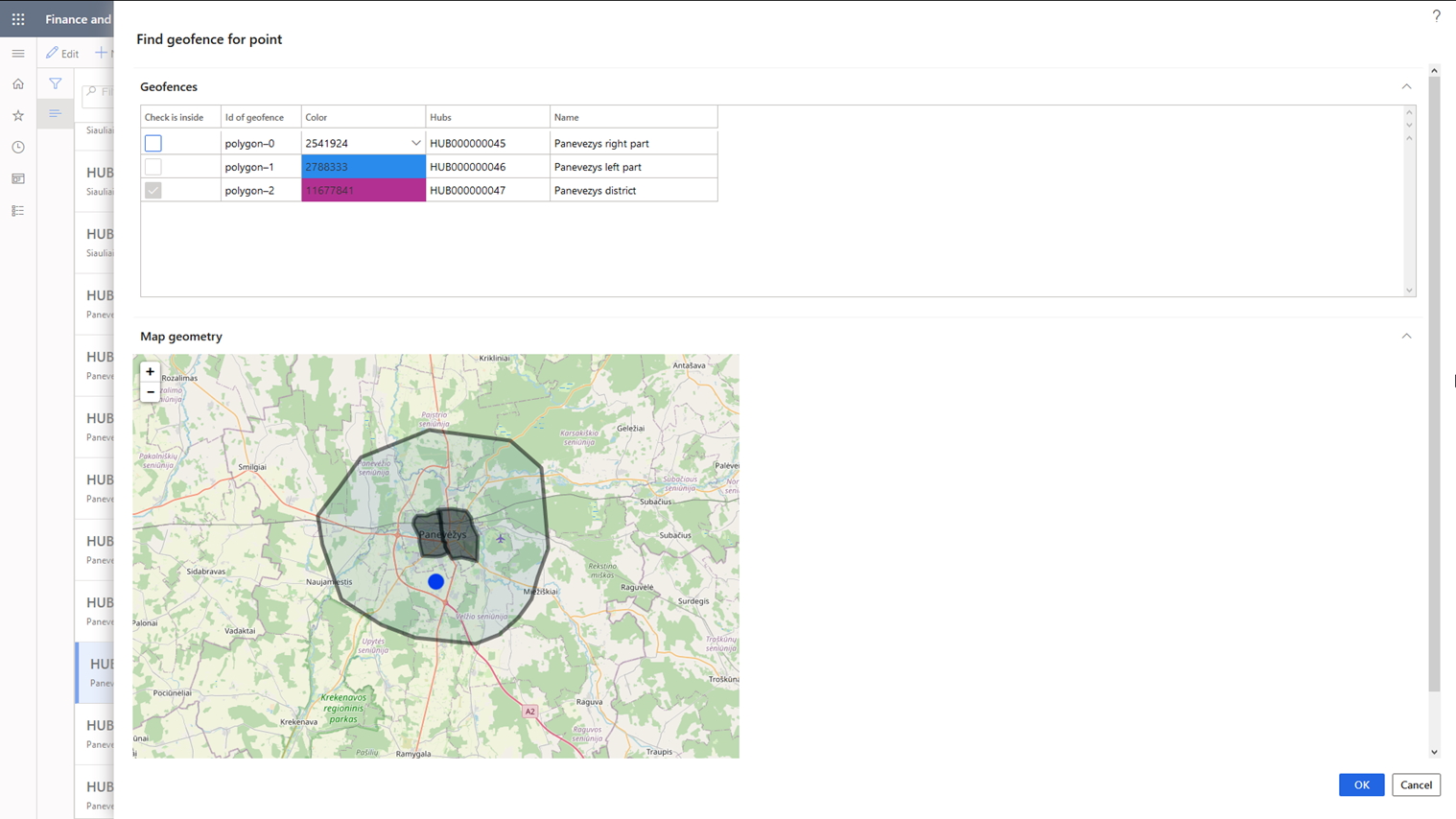
| Geofences | Mapping logistic hubs with geofences |
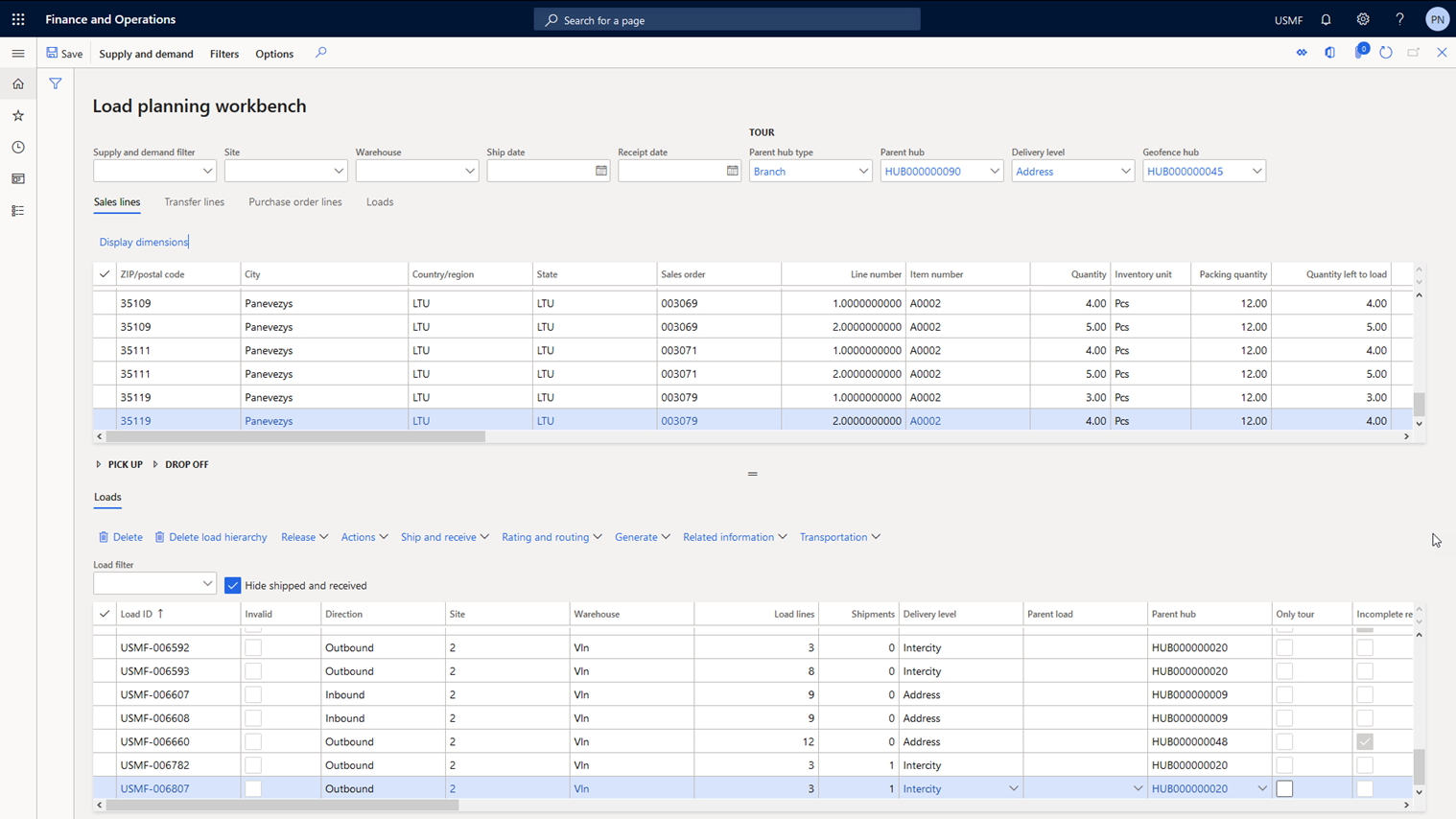
| Trips calculation | Vehicles’ trips calculation for the pool of open sales/purchase orders. Two new strategies are supported by the algorithm (volumetric weight and number of containers). Possibility to calculate trips by dividing orders according to geofences. |
| Manual trip building | Possibility to build trips manually using Load Planning Workbench |
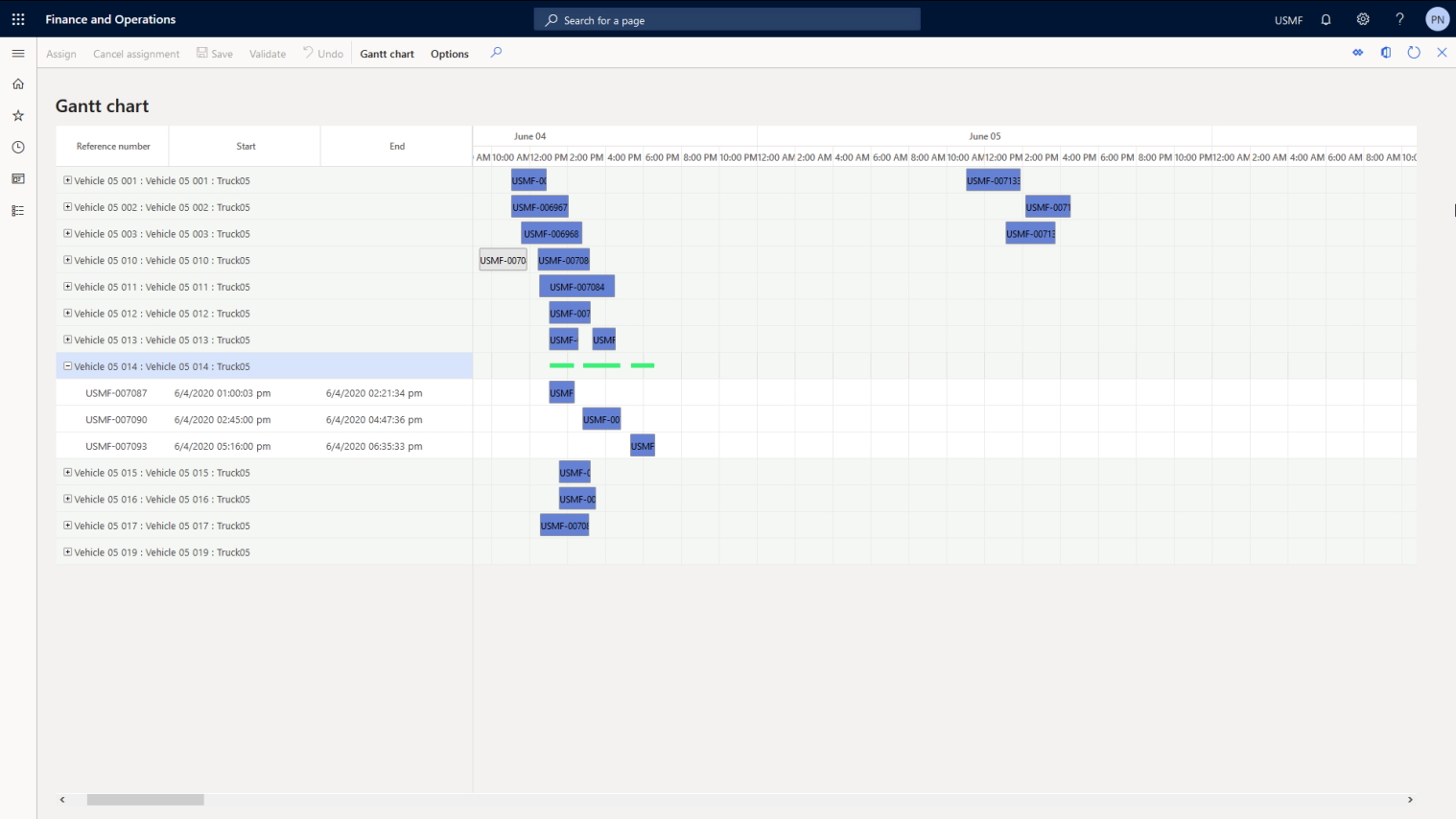
| Vehicles’ reservation | Possibility to reserve vehicles for trips manually using a Gantt chart |
| Visualization | Visualization of calculated trips |
- Pic 1: Vehicles
[Multi-Echelon Delivery Network Solution]
The Challenge
Plan the delivery of goods in a multi-echelon delivery network.
The Solution
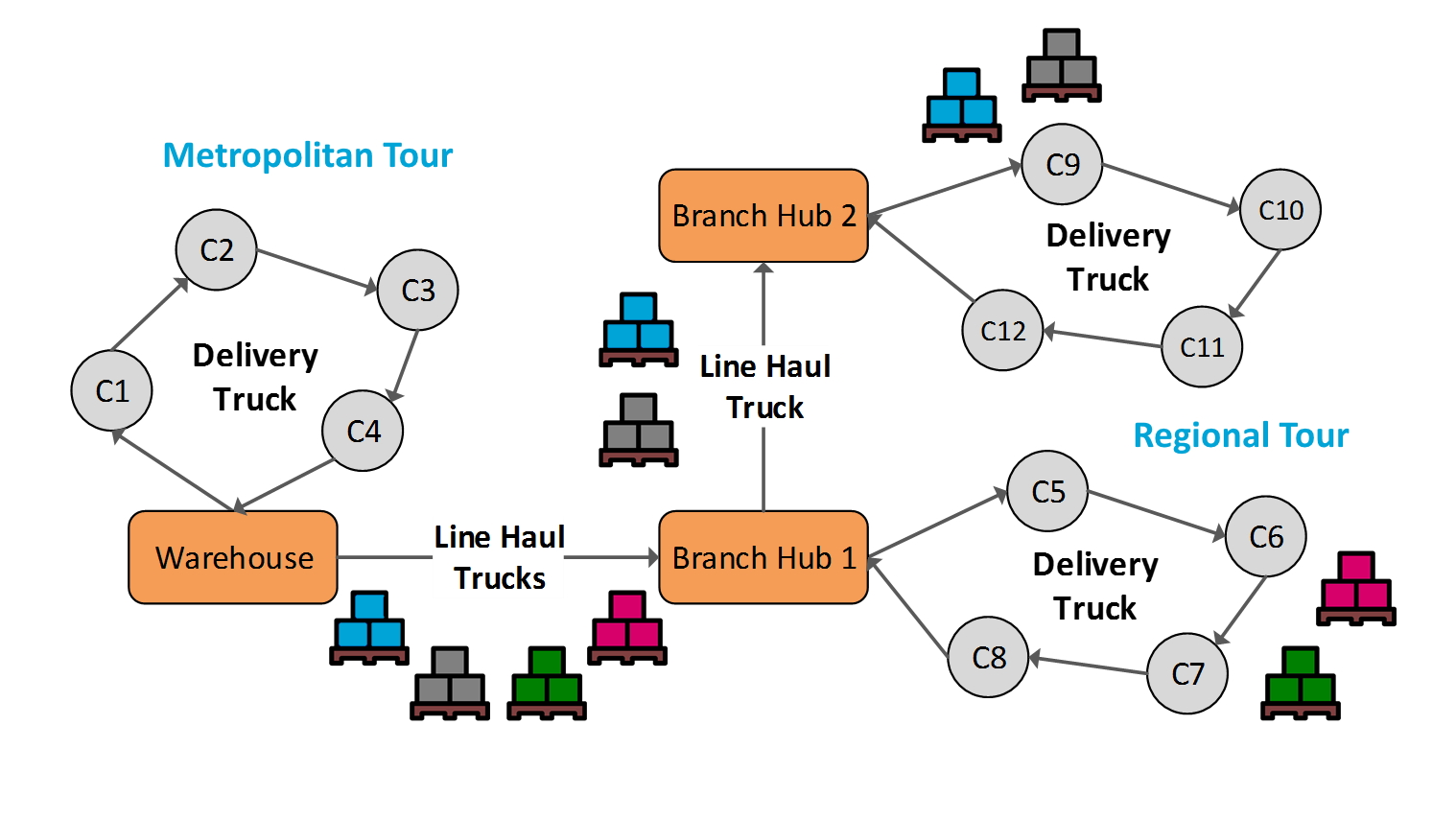
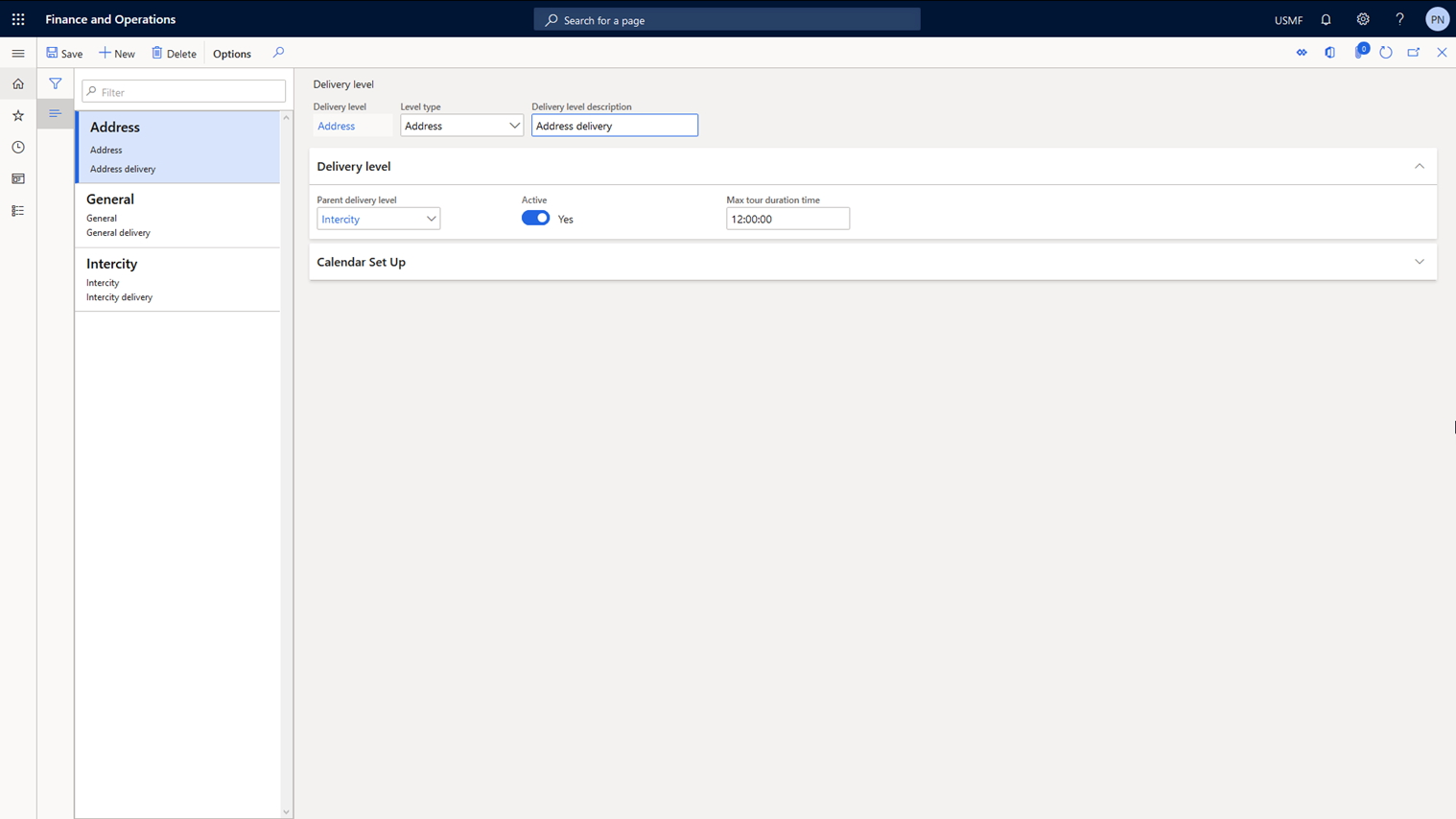
A multi-echelon delivery network consists of a central warehouse and intermediate branch warehouses for reloading goods into smaller vehicles. The solution optimizes the transportation routes to allow consolidation of shipments at intermediate branches to ensure that vehicles with an optimal carrying capacity are used and total delivery costs are thus reduced.
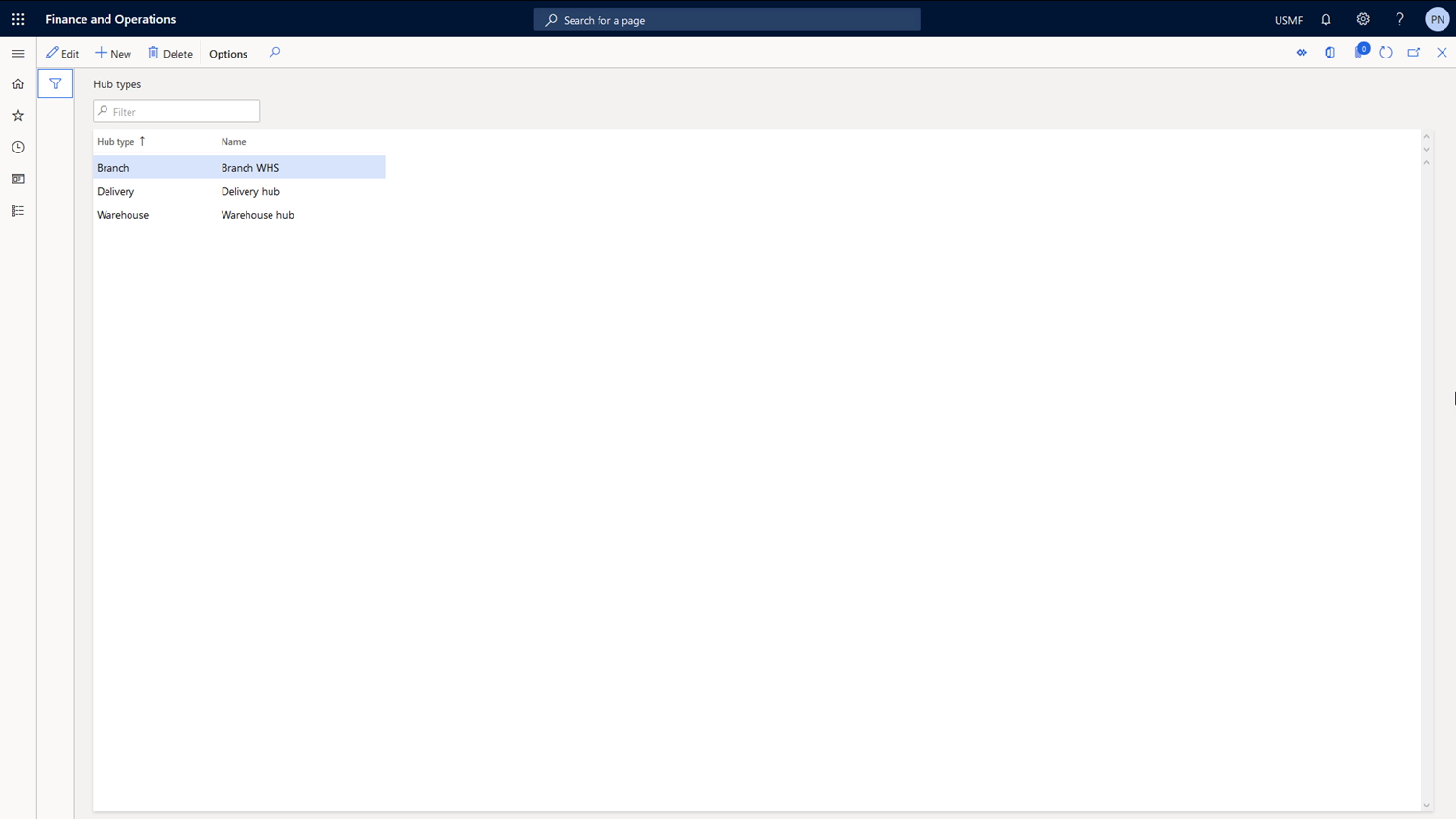
The solution also allows you to specify the structure of a multi-echelon delivery network and delivery geofences. Delivery geofences allow you to combine logistics nodes into groups. When performing vehicle routing calculations, customer orders will be grouped by geofence and routing will be calculated for each group of orders. The solution allows performing vehicle routing calculations sequentially for each delivery tier automatically and manually.
| Feature | Description |
|---|---|
| Delivery network | Set up central / intermediate branches and reloading points |
| Delivery tier | Set up structure of multi-echelon delivery network |
| Multi-echelon trips calculation | Calculation of trips for each delivery tier |
- Pic 1: Schematic representation of a multi-echelon delivery network
[Track and Trace Mobile App for Drivers]
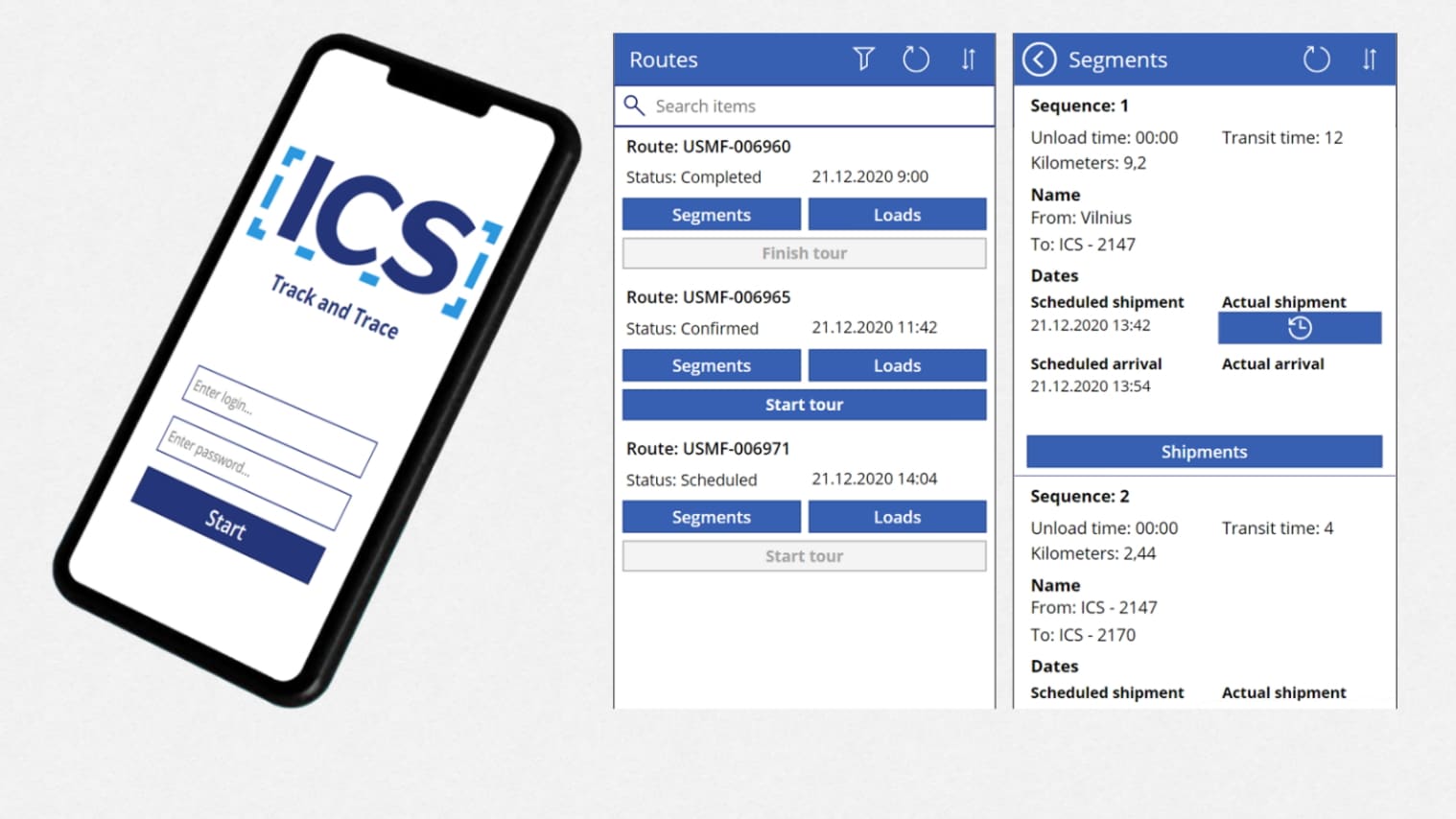
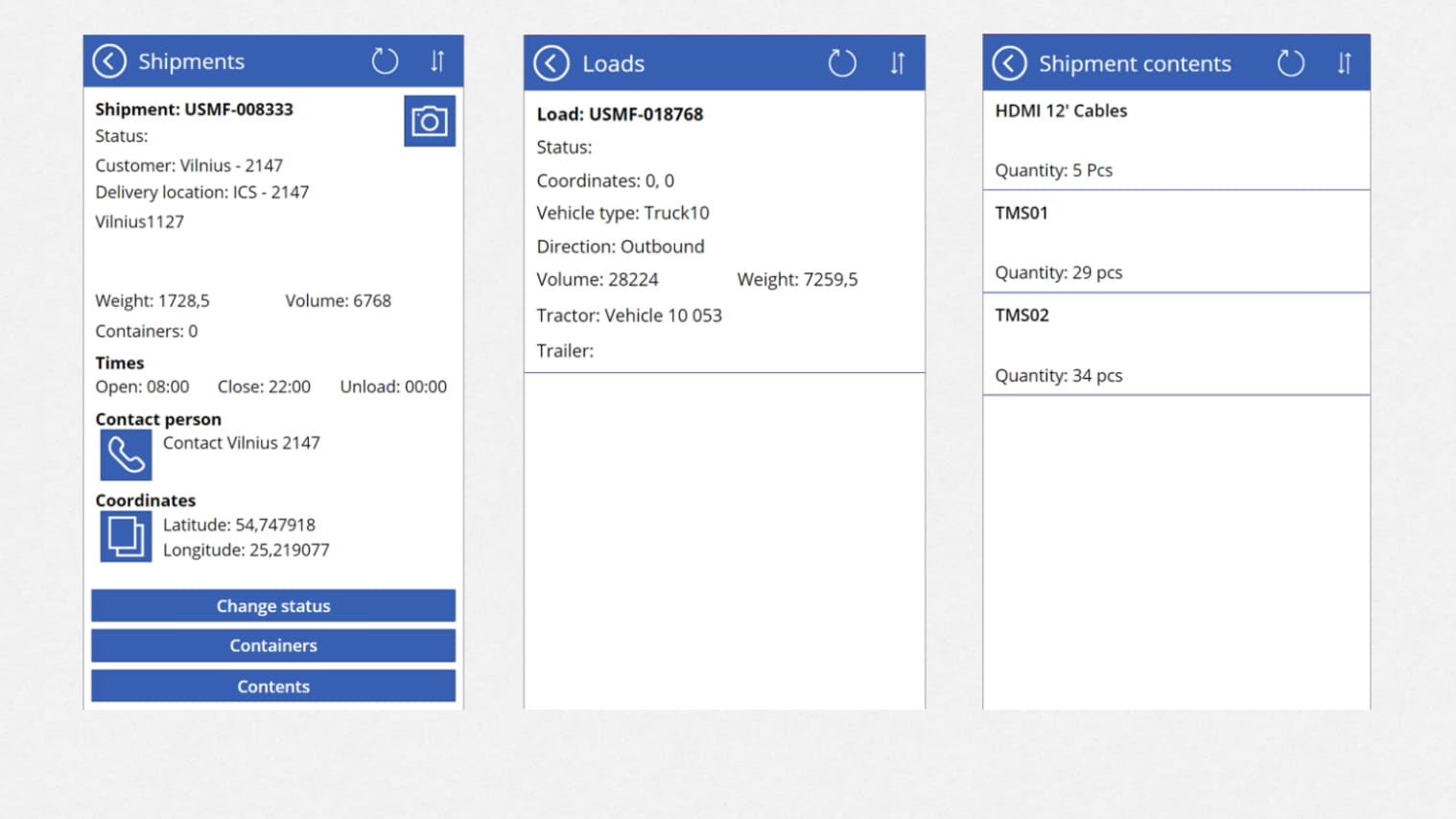
A mobile app based on MS Power Apps platform that allows drivers to view the planned routes and access full cargo details. It also provides the ability to build the route in a GPS navigation system and for the driver to regularly update the status of delivery.
Key Features:
➤ Regularly update the head office and the customer on the status of delivery
➤ View the planned delivery routes
➤ Access information on vehicle loading
➤ Access full cargo details (delivery addresses, time of arrival, volume and weight of goods and other information)
➤ Build delivery routes in an external GPS navigation system
- Pic 1. Track and Trace Mobile App
* Please note that the above solutions are offered only as part of the whole Package and are not sold separately.
** [ICS] Track and Trace Mobile App is optional and can be excluded from the Package.